Meeting Room Booking

Your best tool for a productive day at work.

Bisner room booking is a fully integrated tool for easily managing your workspaces and creating a great work experience for your tenants and employees.

Schedule a demo
Browser iconBrowser iconBrowser icon
Browser icon
Bisner.com
Browser icon
Browser iconBrowser iconBrowser icon
Bisner Booking engine works in sync with or without your existing calendar software

Meeting Room Booking

For Users

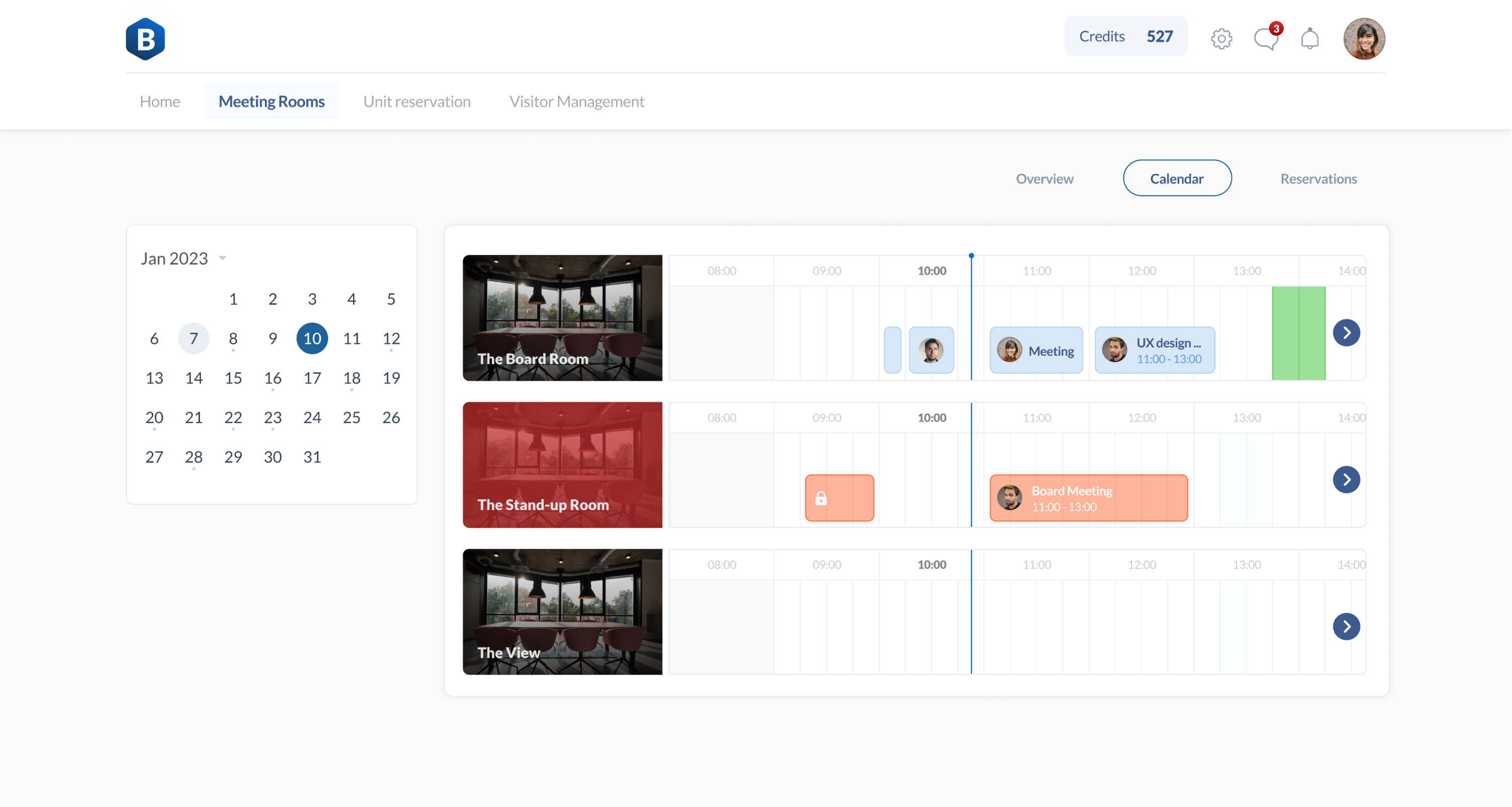
Fast and easy room finding
Quickly find the room that fits all the needs the most in the meeting rooms overview or using search preferences.
Quick booking
According to the room availability, make an instant booking, book it for a specific date and time, or create a recurring meeting.
Connected calendars
Find the made reservation in connected Google or Outlook calendars.
Use without interruptions
When the room is booked members can’t reserve it at the same time.

For Admins

  • Easy setup

    Upload your meeting rooms from Google or Outlook or add them manually. You can upload as many rooms as you want.

  • Administrate each room separately

    Create schedules, add amenities, set booking limits, and much more. Flexible settings allow you to get the most out of the tool.

  • Analyse your meeting rooms usage

    Get the full understanding of how your spaces are used and make the right decisions to improve it.

Remove the friction and complexity room scheduling

Whether you’re an established enterprise or a growing startup, discover spaces that inspire your people’s most meaningful and impactful work.
Enhance the office experience.

Modernise the office and maximise the value of your meeting rooms. Enhance the workplace experience, as well as increase flexibility and autonomy.

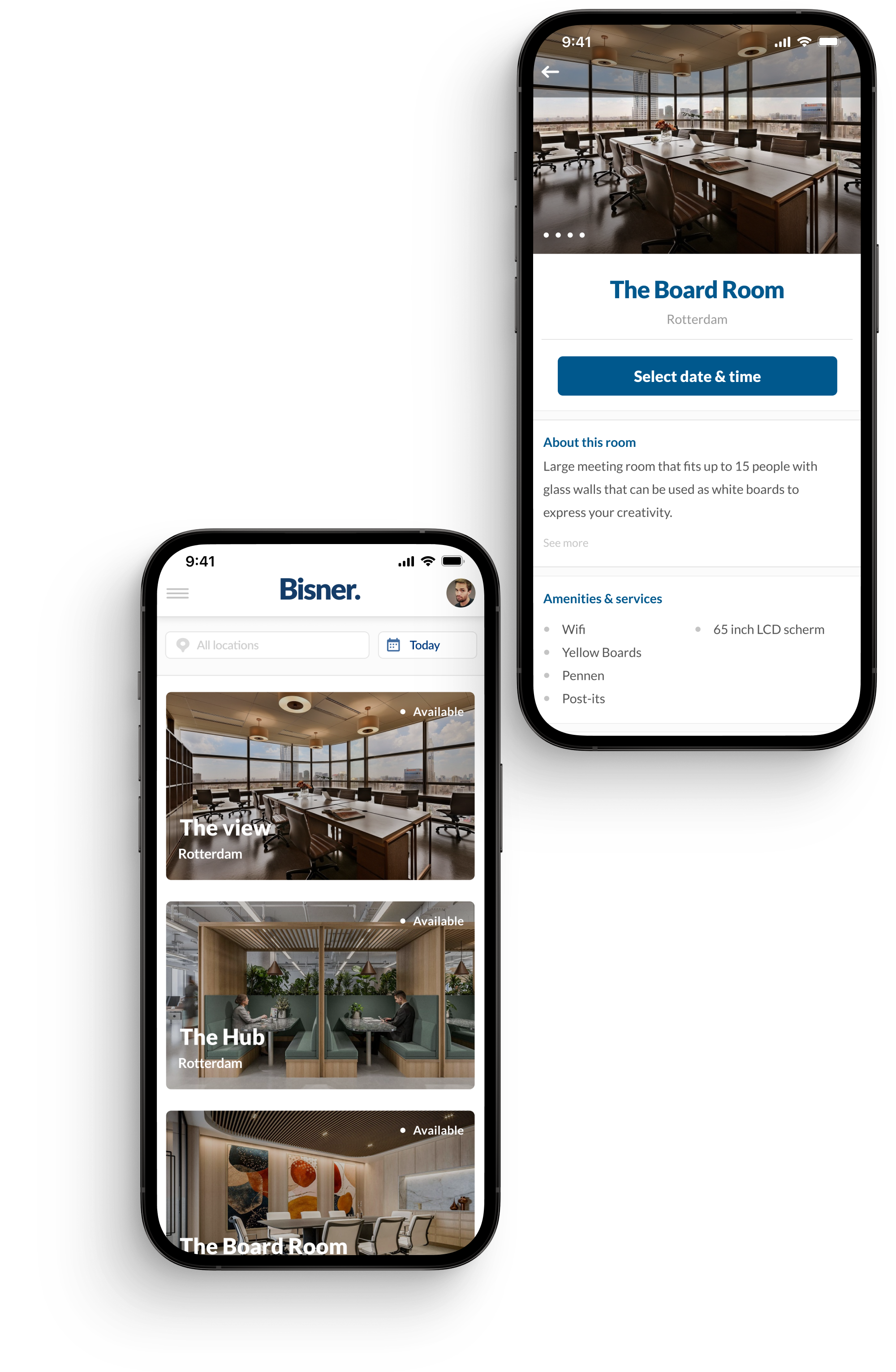
Push notifications

Never miss another meeting. Receive confirmations and friendly reminders
directly on your mobile device or email.

Status Board and Room Display

Interactive displays and status boards
give an overview of upcoming and current meetings, preventing interruptions.

Search preferences

Quickly find a suitable room to match
your needs using search preferences.
It can be location, date, or capacity.

Guest booking

Allow guests to book a certain meeting
rooms without giving them full access
to your office systems.
Chat with Us